
VENUE (Tab)#
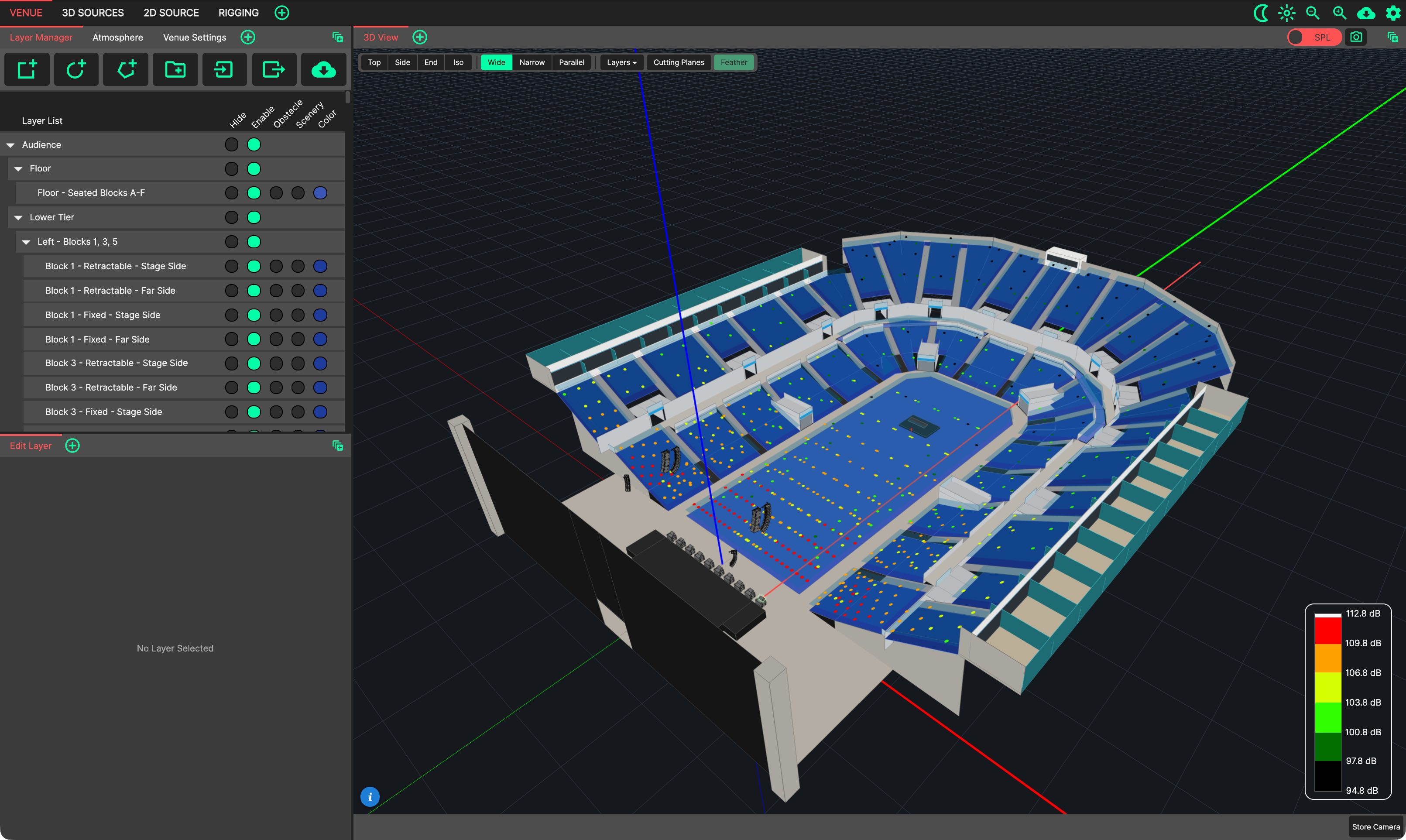
The VENUE tab provides an intuitive layout for manipulating room geometry, together with adjusting settings affecting the venue and how the sound propagates. It can be reached directly with Ctrl/Cmd+1.
- This tab contains the following Panels in its default layout:
3D View: Located to the right of the screen.
Layer Manager: Located at the top-left of the screen. Used for manipulating room geometry.
Atmosphere and Venue Settings: Tabs behind the Layer Manager, at the top-left of the screen. Used for changing settings pertaining to the file loaded.
Edit Layer: Located at the bottom-left of the screen. Shows the parameters of the layer selected in the Layer Manager.
Changes made to this tab will be restored next time it is selected, including the position of Panels, and those that have been ‘popped out’ into additional windows.