
Colours (Settings)#
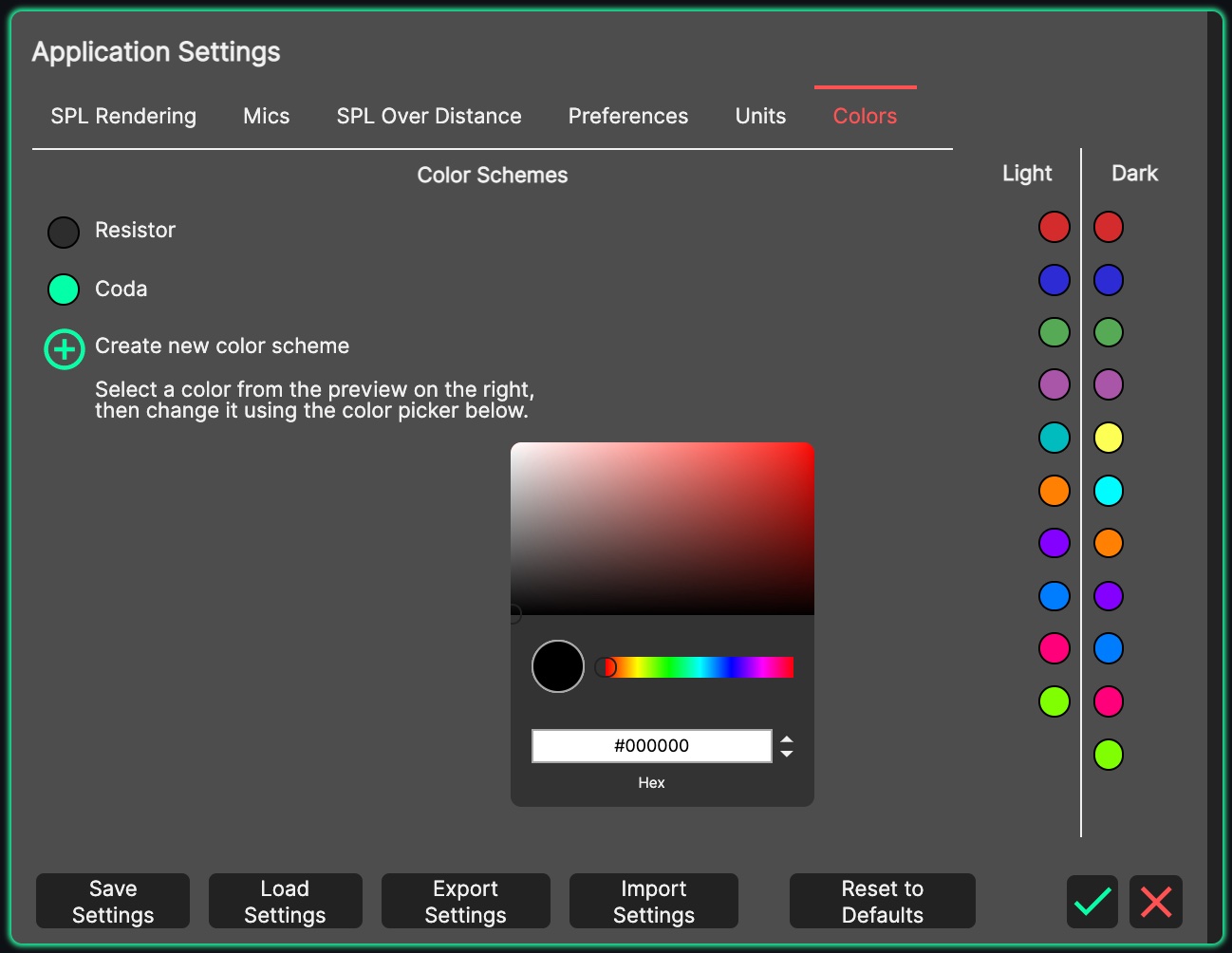
The Colour Scheme defines the palette System Optimiser uses to identify individual sources and microphones: the traces in the Microphones Panel graphs, the highlight colours of sources in the 3D View, microphone markers, and the colour indicators in the source list and Sideview header.
The default ‘Coda’ Colour Scheme has been created to make graphs easier to read.
The internationally accepted ‘Resistor’ Colour Scheme is also included. The two predefined schemes are read-only.
It is possible to create a Custom Colour Scheme by clicking the green ‘Plus’ icon.