
Mirroring a Layer#
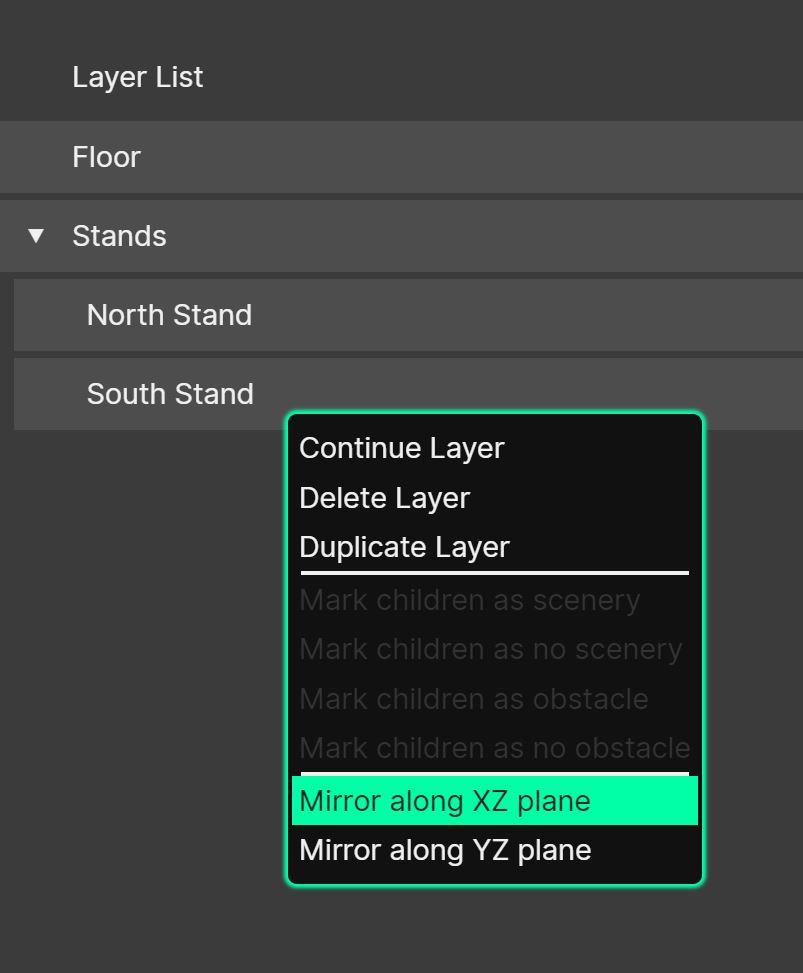
Layers can be mirrored along an axis. This function can be useful for manipulating layers in symmetrical rooms, or when imported from Sketchup (and only one half of the model has been drawn for simplicity).
To mirror a layer, right-click an existing one in the Layer Manager, and then choose ‘Mirror along XZ plane’ or ‘Mirror along YZ plane’, depending on the desired axis. With several layers selected (Shift-click or Ctrl/Cmd-click), the whole selection is mirrored at once.
The new layer will appear next to the original in the layer list. If ‘Annotate Copied Layer Names’ is enabled in the Preferences, it is given the prefix “Mirror of…”; otherwise it keeps the original name.