
Duplicating a Layer#
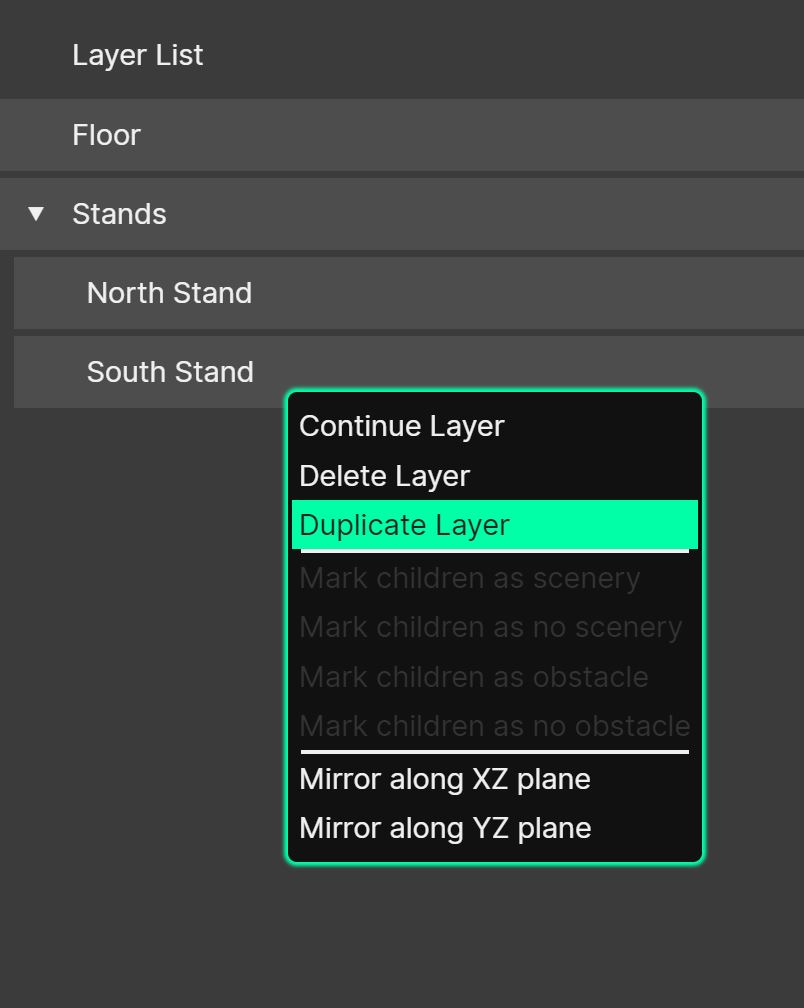
Layers can be duplicated. This function can be useful when used in conjunction with a transformation, to take, for example, a bank of raked seating drawn with a quad and create another which is rotated by 90 degrees.
To duplicate a layer, right-click an existing one in the Layer Manager, and then choose ‘Duplicate Layer’. With several layers selected (Shift-click or Ctrl/Cmd-click), the whole selection is duplicated at once.
The new layer will appear next to the original in the layer list. If ‘Annotate Copied Layer Names’ is enabled in the Preferences, it is given the prefix “Copy of…”; otherwise it keeps the original name.