
Continuing a Layer#
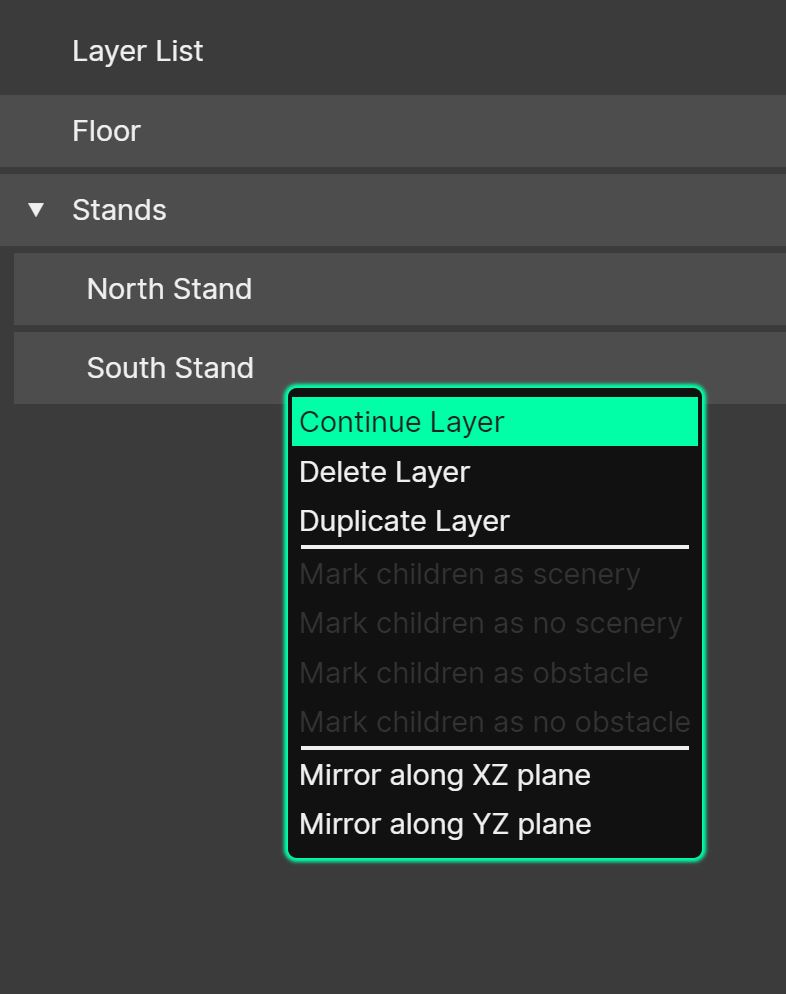
Layers can be ‘continued from’ - this is a method of re-using the ‘end’ coordinates of an existing layer to become the ‘start’ of a new one. Using the ‘Continue Layer’ function allows for quick and efficient drawing of room geometry.
To continue a layer, right-click an existing one in the Layer Manager, and then choose ‘Continue Layer’. Continuing is only available for a single selected layer, and not for free planes.
The new layer will appear directly after the original in the layer list. If ‘Annotate Copied Layer Names’ is enabled in the Preferences, it is given the prefix “Continue of…”; otherwise it keeps the original name.