

Data Version Manager#
The Data Version Manager keeps System Optimiser up-to-date, and is used to download the latest list of included speakers.
Upon launching System Optimiser for the first time, you will first be asked to accept the EULA (it will be shown again whenever it is updated). System Optimiser cannot be used until a dataset has been downloaded and selected.
An internet connection is only required to download new data. You do not need an internet connection to run System Optimiser once installed.
If a newer dataset becomes available later, System Optimiser will notify you after launch.
Downloading Datasets
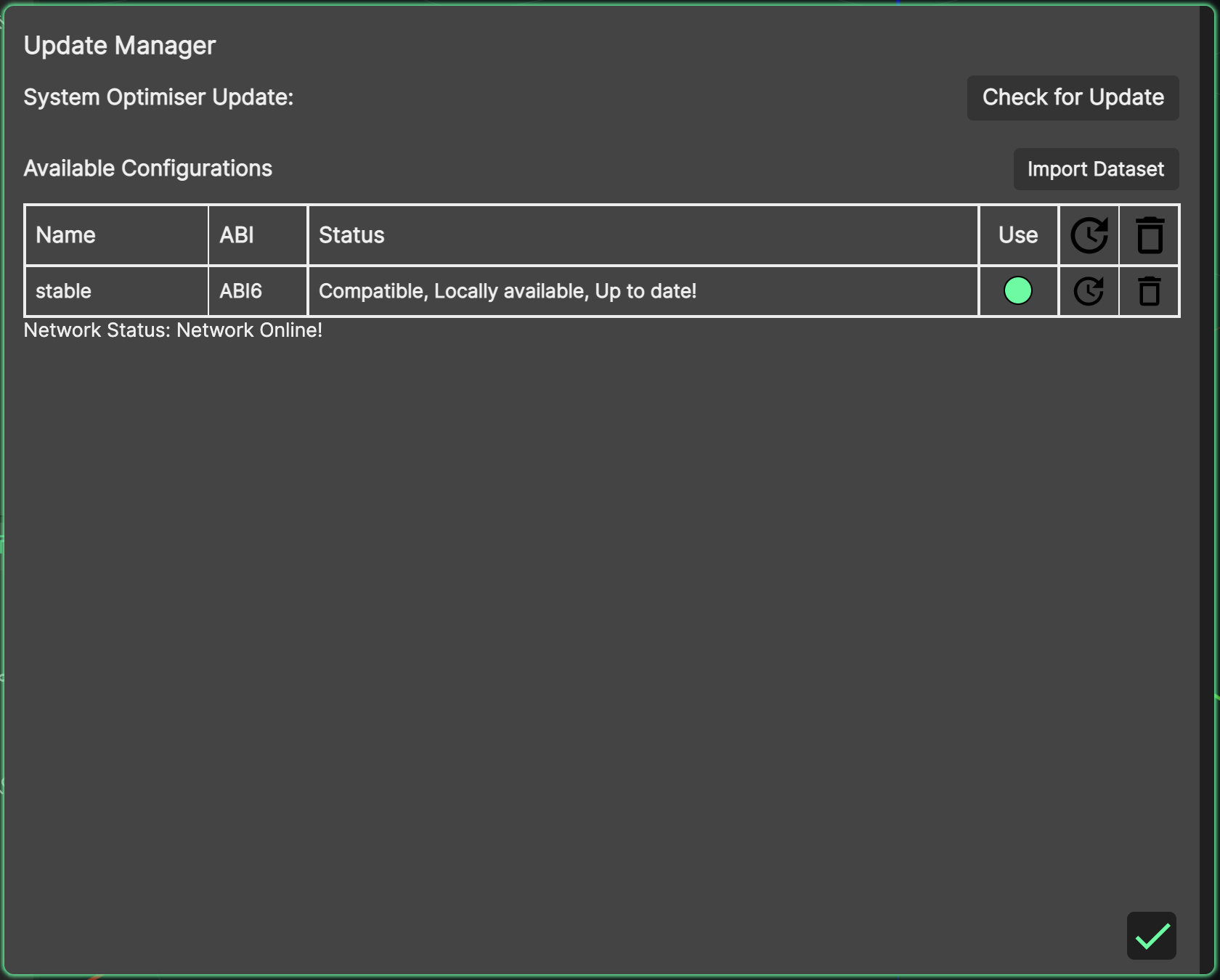
Datasets contain the under-the-hood information which System Optimiser uses to deliver accurate simulation and mapping.

Available datasets are listed in a table. The latest one will be at the top, and can be downloaded by clicking the download button:
Select the radio button in the ‘Use’ column to choose the dataset for use once downloaded, and then click the green ‘tick’ to close the Data Version Manager and start using System Optimiser.