
Microphones (Settings)#
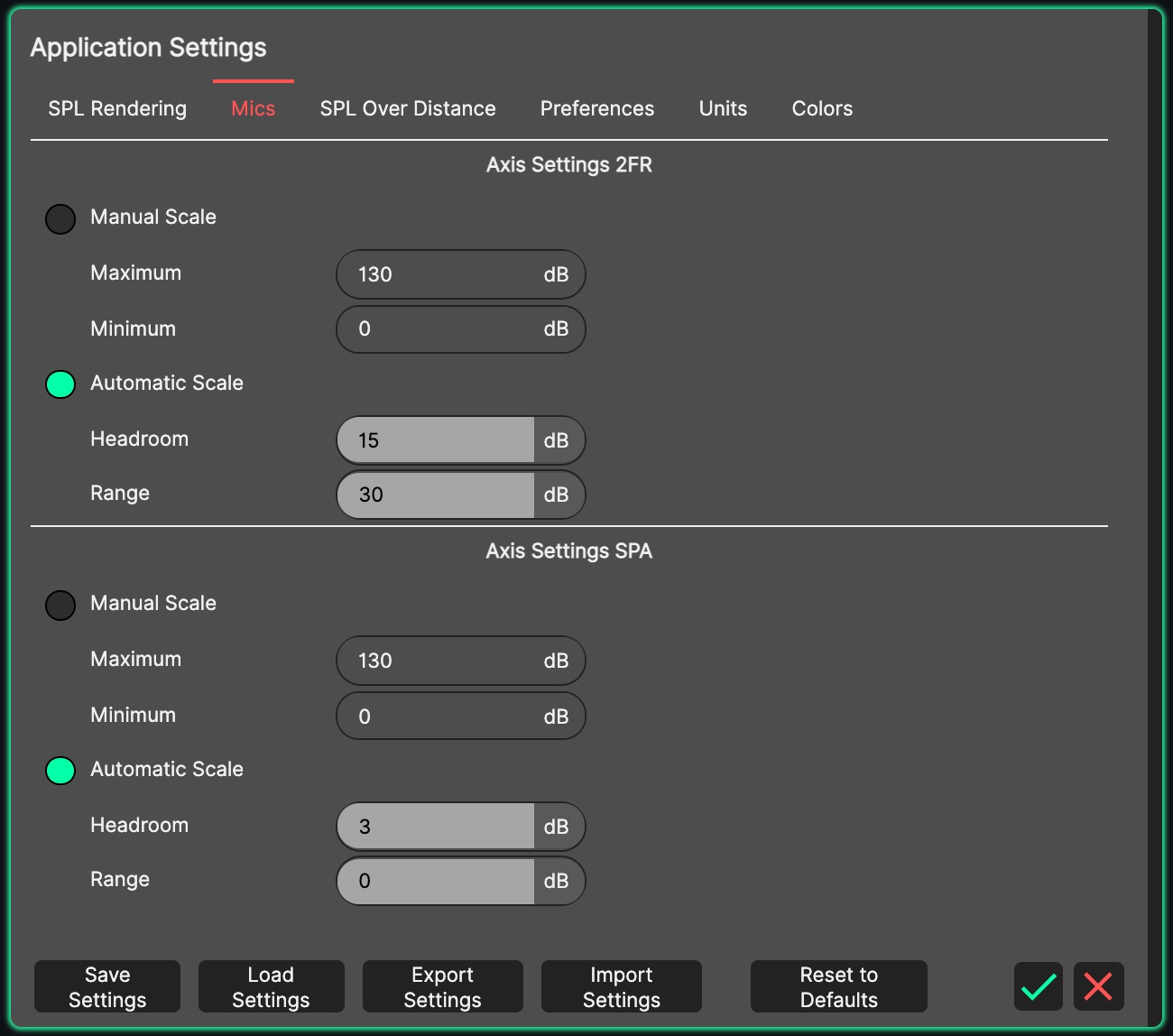
These settings relate to the graph found in the Microphones Panel. There are two identical sections - ‘Axis Settings 2FR’ and ‘Axis Settings SPA’ - one for each of the panel’s modes.
- Manual Scale
With manual scale enabled, the maximum and minimum limits of the Y-Axis scale on the Microphones graph can be defined. When the manual scale button is pressed, the automatic scale button is released.
- Automatic Scale
With automatic scale enabled, the two parameters presented are ‘headroom’ and ‘range’:
The maximum limit of the Y-Axis is locked to the highest value of data detected within the graph, plus the headroom value. It is therefore possible to stretch the graph, or clamp down on it.
The minimum limit of the Y-Axis is locked to the highest value of data, minus the range, minus the headroom - so the visible span is the range plus twice the headroom.
Automatic scaling is useful for when switching frequently between different systems with varying level of output, to check their frequency response. It is not particularly useful for setting the levels of various systems however, as the scale will naturally change frequently. When the automatic scale button is pressed, the manual scale button is released.